Identity Loom™: One Graph, Every Permission Source
Unify on-prem AD, Entra ID, and cloud application permissions into a single identity graph
Your users don't live in one directory. They have an on-prem AD account, an Entra ID identity, OAuth grants to a dozen SaaS apps. Some tools can see across these boundaries. The question is what they do with the data once they have it.
Here's the scenario we kept running into. A service account in AD has a synced identity in Entra ID. That Entra identity has an OAuth2 grant to a business-critical app. The AD account has a weak password and no MFA. An attacker compromises the AD account and pivots straight into the cloud app. Cross-platform attack paths like this are visible in a handful of tools. The problem is what comes next. You're staring at thousands of raw edges from two different permission models, trying to figure out which ones actually matter.
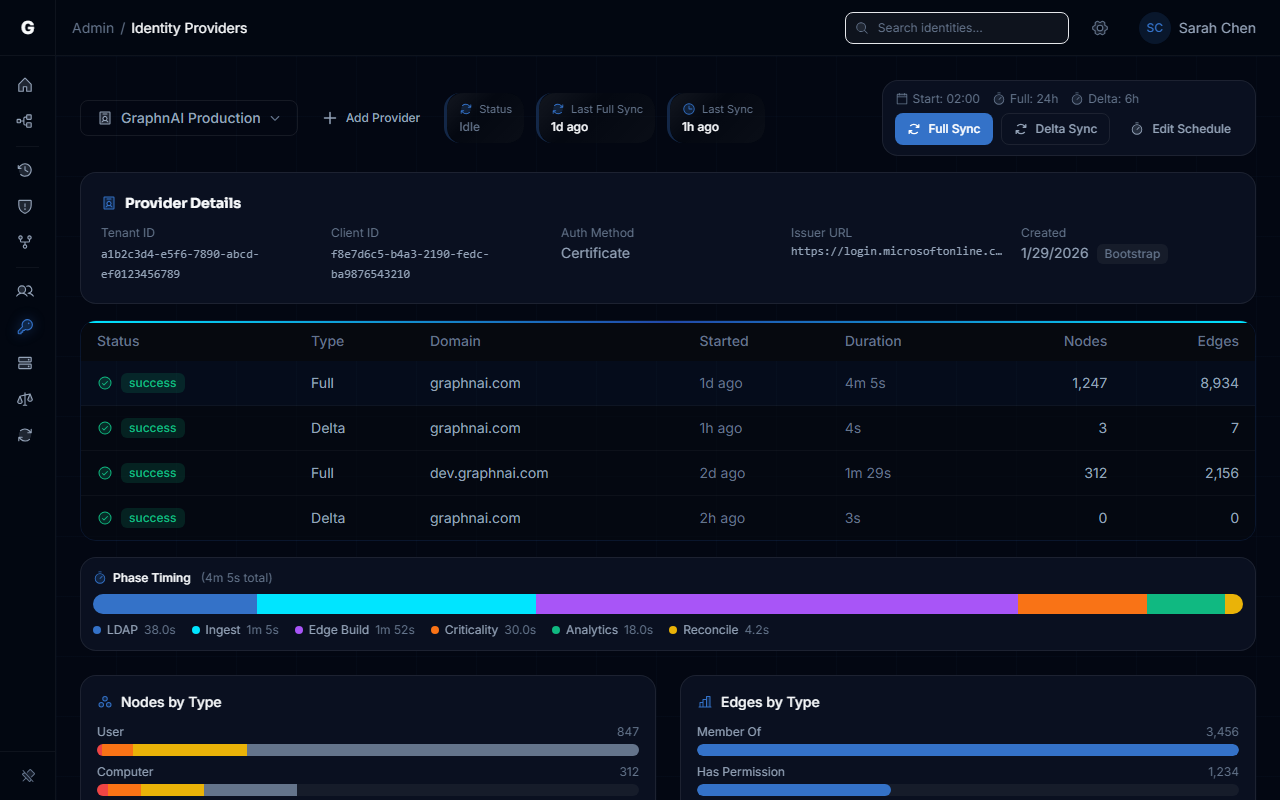
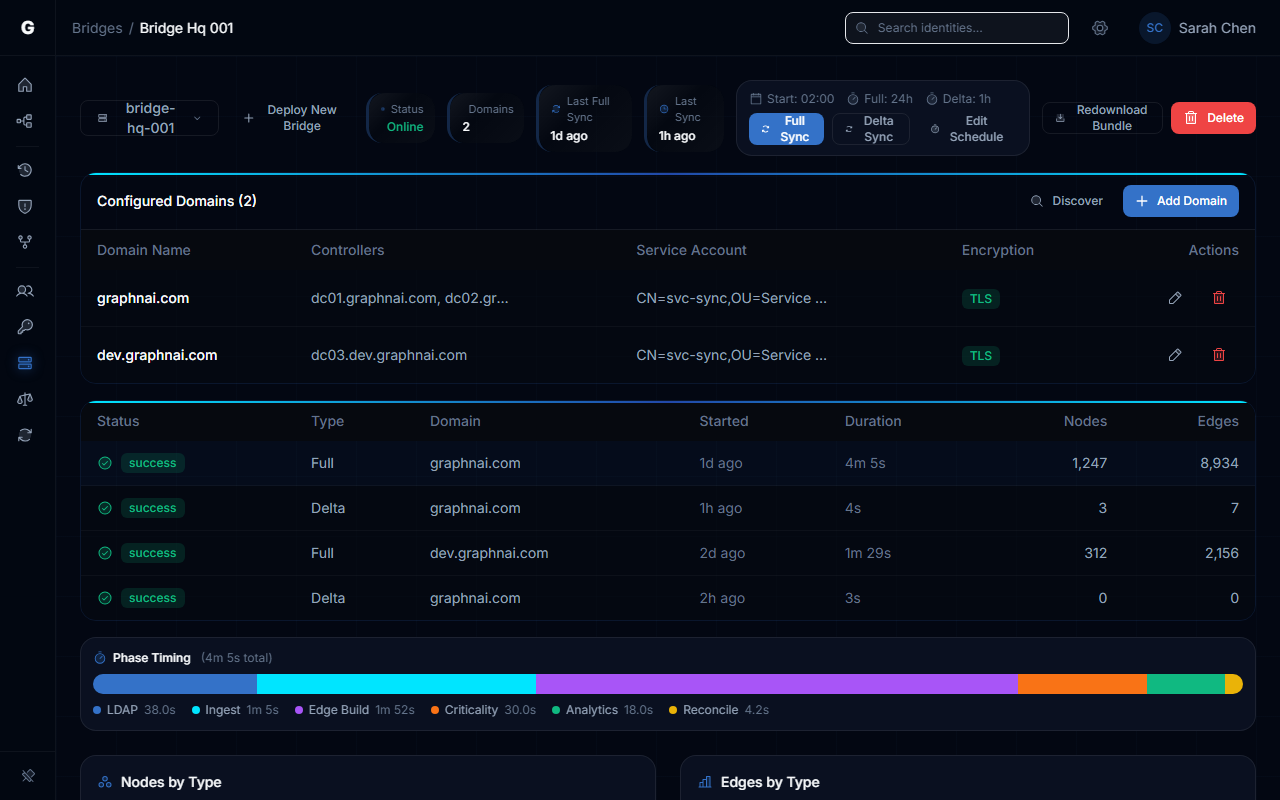
Both permission sources feed the same unified identity graph
How It Works
Identity Loom weaves every permission source into a single graph. AD ACLs, Entra ID roles, OAuth2 grants. Same user, same node, every permission visible in one place.
All edges get normalized into the same schema with consistent severity weighting. An Entra Global Admin role and full control over a Domain Controllers GPO are both treated as what they are: keys to the kingdom. The graph doesn't care which directory they came from.
Key Benefits
- One graph. On-prem AD, Entra ID, and cloud apps. No more switching between three consoles.
- Cross-platform attack paths show up because the data is finally in one place.
- Severity weighting is consistent across sources. A dangerous permission is dangerous regardless of which directory it lives in.
- Hybrid identities are automatically correlated. Same human, one node, full picture.
- One unified graph means your AD and Entra ID risk reports tell the same story to auditors.
See how it all connects in the Identity Loom guide.